
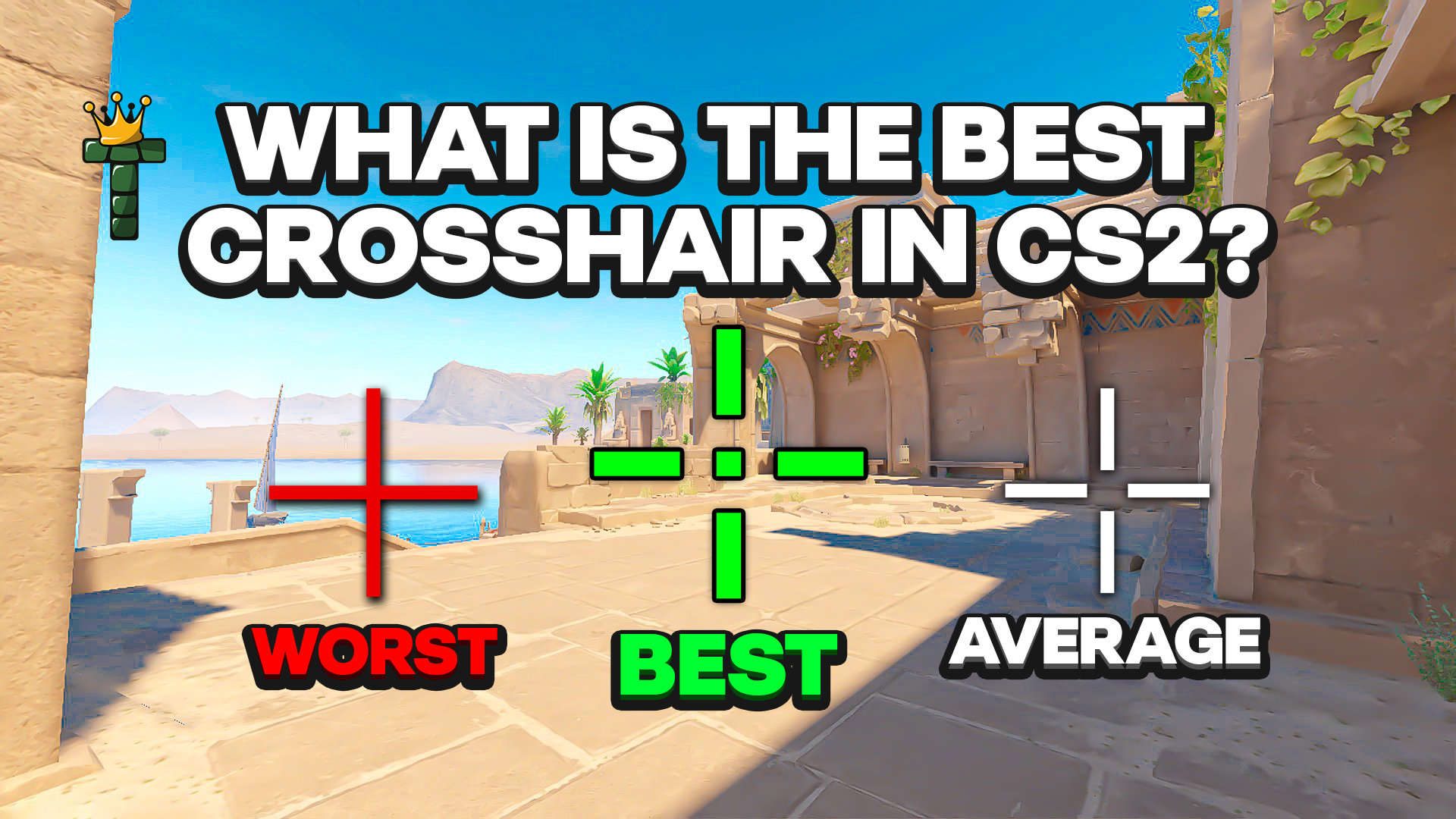
What Is the Best Crosshair in CS2?
There isn't one. Your crosshair should fit how you play. Players who rely on precision tend to use small crosshairs or even a tiny dot, while players who spray more often use something larger. CS2 gives you a ridiculous amount of customization because players differ that much.
Crosshairs also matter less than most people think. Some players deliberately train without one, because playing without a crosshair makes you read recoil and mouse movement differently. There are clips of high-ranked players getting through full rounds on muscle memory alone. If your fundamentals are solid, almost any crosshair works.
Static vs. dynamic: the one thing pros agree on
Before we get to specific players, there's one thing nearly the whole pro scene agrees on: almost all professional players use static crosshairs.
A static crosshair stays the same while you move or shoot, so your aiming point never changes. A dynamic crosshair expands and contracts as you move and fire. That gives you visual feedback, but it can get in the way of precise aim.
Pros skip dynamic crosshairs for a simple reason. They know the spray patterns already, so an expanding crosshair doesn't tell them anything new. Once your muscle memory is built, a moving crosshair distracts more than it helps. Style 4 (Classic Static) is by far the most common style among pros, since your size, gap, thickness, and color stay exactly as set no matter how you move or shoot.
Your crosshair doesn't have to look like everyone else's, though. I'll get to my own odd setup below.
What some pros are running
Most pros use small, clean crosshairs that don't clutter the screen. Pro settings change often, sometimes several times a season, so treat these as a snapshot and check a player's latest config before you copy it.
s1mple
s1mple is one of the best CS players of all time, and in 2026 he's still competing, now for BC.Game. In his NAVI days he was known for a cyan dot, but his current setup is closer to a plain white cross with no outline, which stays visible against any background.
CSGO-E8xcE-27Lmw-2ipNt-3HZvp-pevvE

ZywOo
ZywOo has a strong claim to being the best active player right now. He uses a small white static crosshair with no dot and no outline, which is about as minimal as it gets, although he's known to tinker with his settings on stream.
CSGO-3wvGJ-zrMeX-ecRBH-Q74om-EGnfO

NiKo
NiKo is probably the best pure rifler in the world. He uses a light green crosshair, which stays readable on bright surfaces like Mirage mid or Dust2 tunnels without being distracting.
CSGO-sHWcO-RczR8-ewsnB-dRv8z-KViGH

donk
donk made a huge impression as soon as he arrived on the scene, and he's now a Major champion. He uses a small static cyan cross with a tight negative gap. A crosshair that small makes you get your placement right, because it can't cover for a bad one.
CSGO-2w3SK-HasGr-BYazP-JL2Sv-o8veM

m0NESY
m0NESY has switched between cyan, green, and yellow over the past couple of seasons, so his color may have changed again by the time you read this. It's a good excuse to try a few colors and see which one works for you.
CSGO-eJRUn-yYTxp-bsSyA-RFOMh-DzurD

What they have in common:
- Small size
- Static (Style 4)
- High contrast color
- Tight or negative gap
- No outline, or a very subtle one
What I use, and why I'm one of the crazy ones
I'll admit it: I run Style 4 with Follow Recoil enabled. It's green, with lines and no dot.
Almost nobody does this, and most guides tell you not to. Follow Recoil is a toggle you add on top of Style 4, under Settings > Game > Crosshair. It doesn't make the crosshair bloom or expand when you shoot, and the size never changes. Instead, the crosshair moves with your spray pattern. When you hold down the trigger on an AK, the crosshair travels in the same direction your bullets are going.
That makes spray control feel more connected for me, because I can see where the bullets are going instead of working it out in my head. For most players it's visual chaos, but it clicks for me. Green works best for this setup, because it stays readable while the crosshair drifts during a spray, where white or cyan can blur into bright backgrounds.
How to import crosshair codes in CS2
Importing a code takes a few seconds:
- Open Settings in CS2
- Go to Game > Crosshair
- Click Share or Import
- Paste the crosshair code
- Click Import
Before you start experimenting, click Copy your code and save your current setup somewhere, so you can always go back to it.
More codes worth trying
A classic small dot, clean and precise and popular with AWPers:
cl_crosshairstyle 4; cl_crosshairsize 0; cl_crosshairgap 0; cl_crosshairthickness 1; cl_crosshairdot 1; cl_crosshaircolor 4; cl_crosshaircolor_r 255; cl_crosshaircolor_g 255; cl_crosshaircolor_b 255
Thin lines with an outline, which work well on dark or cluttered backgrounds:
cl_crosshairstyle 4; cl_crosshairsize 2.5; cl_crosshairgap -1; cl_crosshairthickness 1; cl_crosshairdot 0; cl_crosshaircolor 3; cl_crosshair_drawoutline 1; cl_crosshairalpha 255
Whatever you pick, stick with it. Your aim runs on muscle memory, and every time you change your crosshair you have to relearn some of your habits. Professional players often keep the same setup for months, sometimes years.
The pro scene and most guides will tell you to use a static crosshair and avoid dynamic styles. CS2 still gives you five crosshair styles, plus Follow Recoil on top, and the best one is the one you've built your game around, even if that makes you one of the crazy ones.