
How to Submit CS2 Nade Lineups to CS2Tricks
CS2Tricks (with NadeKing) is a community site for CS2 grenade lineups. If you have a new smoke, flash, molotov, or HE grenade to share, follow these steps to prepare and submit it. This guide covers setting up your practice game, recording the video and screenshots, and filling out the submission form, with examples along the way.
Setting up your practice game
Before you record anything, set up an offline practice game. Go to Play → Practice → Competitive, pick your map, then open the console and paste this config:
sv_cheats 1;
bind "c" "noclip";
alias zoom_on "fov_cs_debug 30; bind x zoom_off";
alias zoom_off "fov_cs_debug 90; bind x zoom_on";
bind "x" "zoom_on";
cl_draw_only_deathnotices 1;
sv_grenade_trajectory_prac_trailtime 0;
alias togglehud "hudoff";
alias hudoff "cl_drawhud 0; r_drawviewmodel 0; alias togglehud hudon";
alias hudon "cl_drawhud 1; r_drawviewmodel 1; alias togglehud hudoff";
bind v "togglehud";
bind "k" "sv_rethrow_last_grenade";
mp_restartgame 1;
mp_maxmoney 16000;
mp_startmoney 16000;
mp_buytime 9999;
sv_infinite_ammo 1;
mp_buy_anywhere 1;
mp_roundtime_defuse 60;
mp_freezetime 0;
Here's what the main commands do:
sv_cheats 1: unlocks the cheat commands the rest of the config needs.bind "c" "noclip": lets you fly through the map to check landing spots from above.- The X zoom toggle: press X to zoom in and out for precise screenshots.
- The V HUD toggle: hides your HUD and viewmodel while you record.
sv_grenade_trajectory_prac_trailtime 0: removes the grenade trail, which has to be off before you record.bind "k" "sv_rethrow_last_grenade": rethrows your last grenade instantly so you can fine-tune the lineup.mp_maxmoney 16000andmp_startmoney 16000: you always have enough money to buy.mp_buytime 9999: the buy menu stays open the whole round.sv_infinite_ammo 1: gives you infinite grenades.
Run mp_restartgame 1 once after loading to start with a clean round.
Step 1: Record your video
CS2Tricks has strict video guidelines, and breaking them is the most common reason submissions get rejected.
Before you hit record:
- Apply the required crosshair code under Settings → Game → Apply Crosshair Code:
CSGO-UtjCm-feURh-Msq7z-WzDk2-pDWPA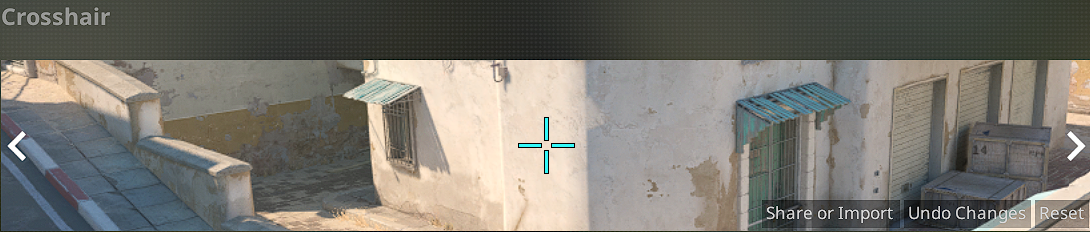
- Record at 1080p (16:9) or higher. Don't use 4:3 stretched.
- Turn off post-processing (Nvidia Freestyle, custom gamma, and so on).
- Use in-game audio only, with no music or commentary.
Your video must show:
- Where to stand and how to aim
- The full throw from start to landing, with no cuts
- No HUD at any point. Press V or run
cl_drawhud 0; r_drawviewmodel 0in the console.
Step 2: Fill out the nade details
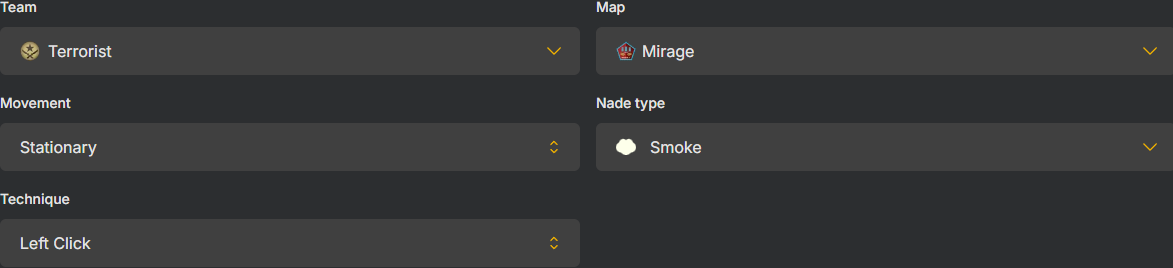
Go to CS2Tricks and fill in the submission form:
- Team: Terrorist, Counter-Terrorist, or Both
- Map: select your map (Mirage, Inferno, Dust2, and so on)
- Movement: Stationary, Crouching, Walking, or Running
- Nade Type: Smoke, Flash, Molotov, or HE
- Technique: Left Click, Right Click, Mouse Both, Jump & Mouse Left, Jump & Mouse Right, or Jump & Mouse Both
Writing good instructions
Your description should cover four things, in this order:
- Position: where to stand, using a clear callout ("stand at the corner of Pit")
- Aim point: what to aim at ("aim at the plank in the middle")
- Stance: crouching, standing, or running
- Throw: the exact throw type ("right-click throw")
Two examples of good instructions:
"Stand at the corner of Pit, aim at the stain on the wall, run, then jump-throw after 2 steps."
"Stand between the planks at Car, aim at the bottom-left corner of the window, and right-click to throw."
Each one tells the player everything they need in a single sentence.

Teleport command (optional but recommended)
A teleport command lets other players jump straight to your exact position in-game. To get it:
- Stand at your throw position and aim exactly as you would for the nade.
- Open the console and type
getpos. - Copy the full output. It looks like this:
setpos -299.968750 -1161.931030 136.256561; setang -16.521105 90.546722 0.000000;
Paste it into the Teleport Command field on the form.
Step 3: Take your screenshots
You need three screenshots, all with the HUD off. Use Steam's screenshot shortcut (F12 by default).
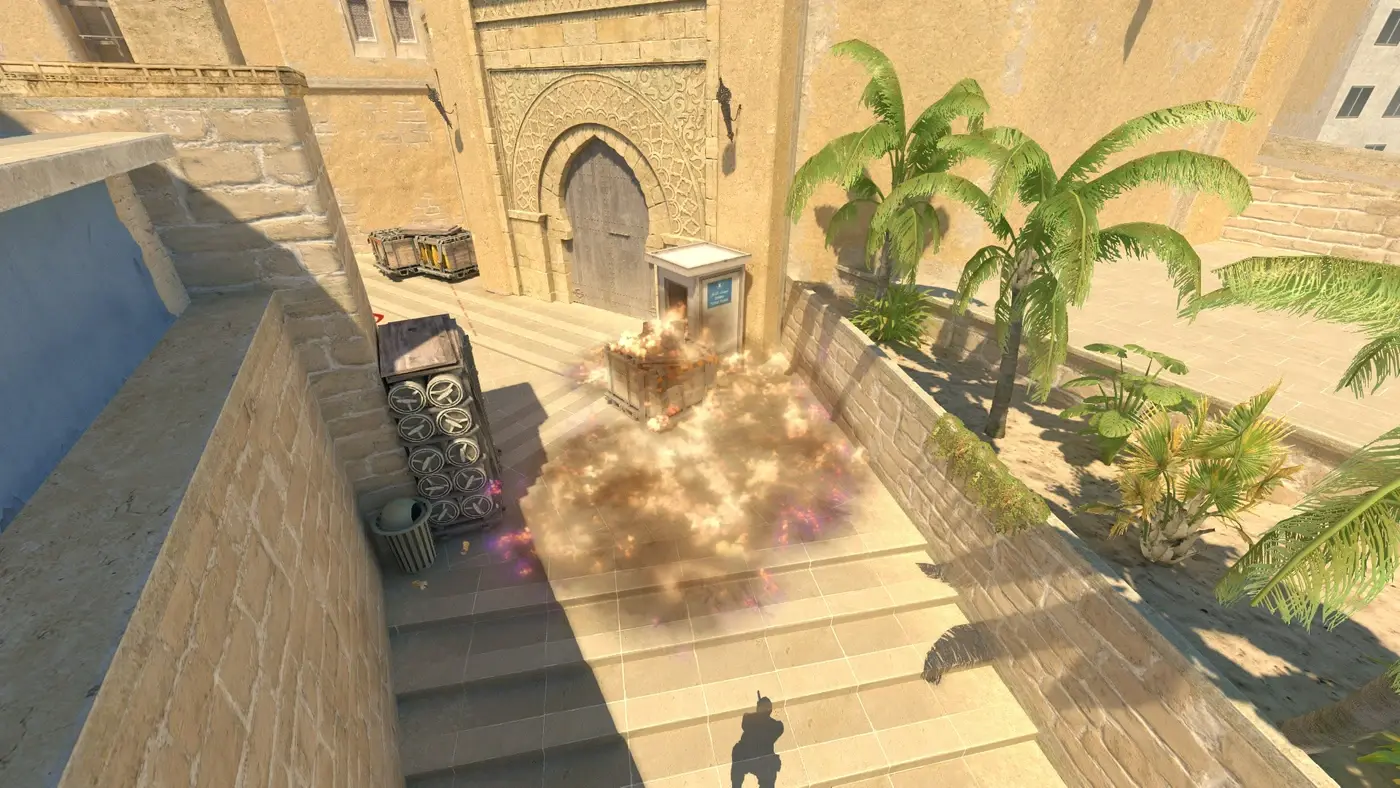
Result image
Show where the nade lands or what it does (the smoke cloud, the molotov's spread, the flash). For flashes, use an HE grenade instead so the explosion is visible.
Lineup image
Show where you're standing and which way you're aiming.
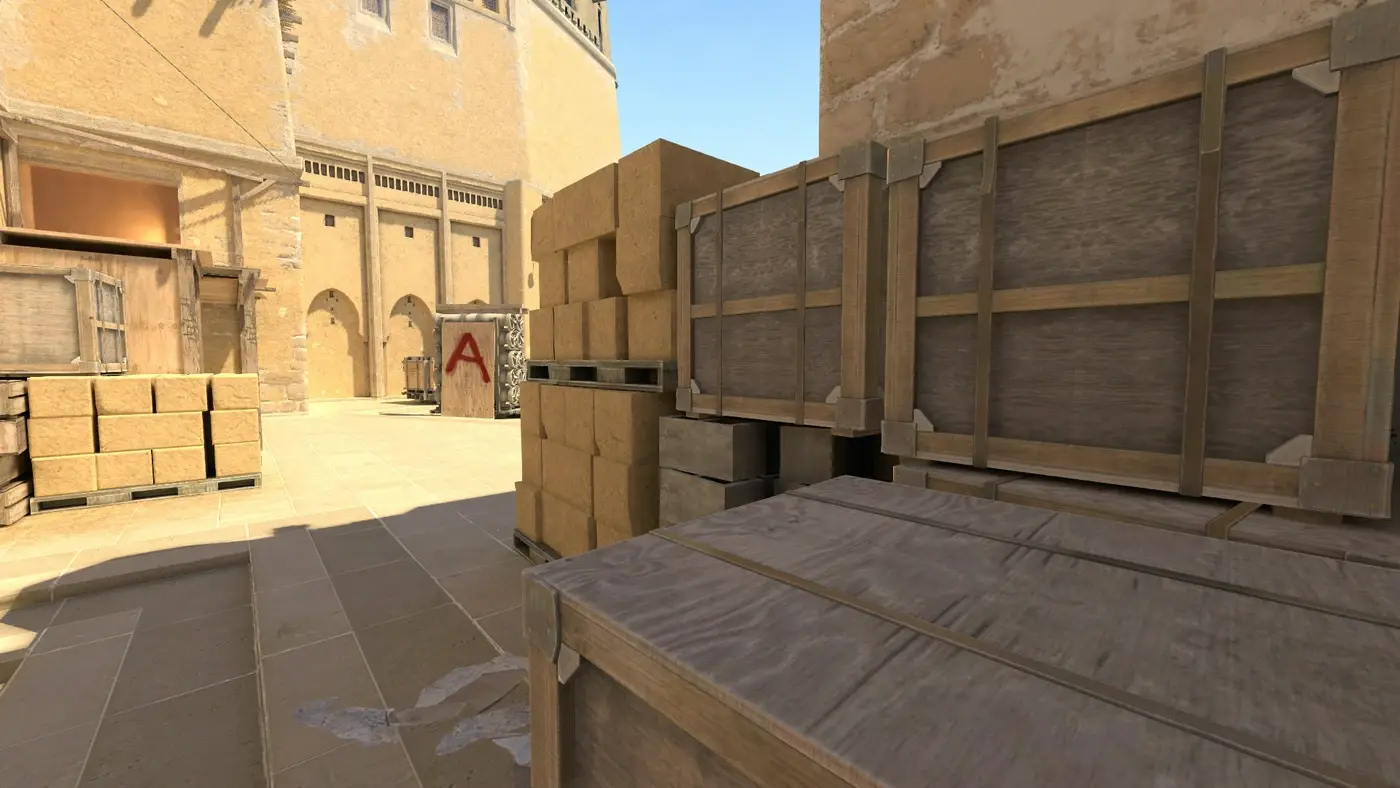
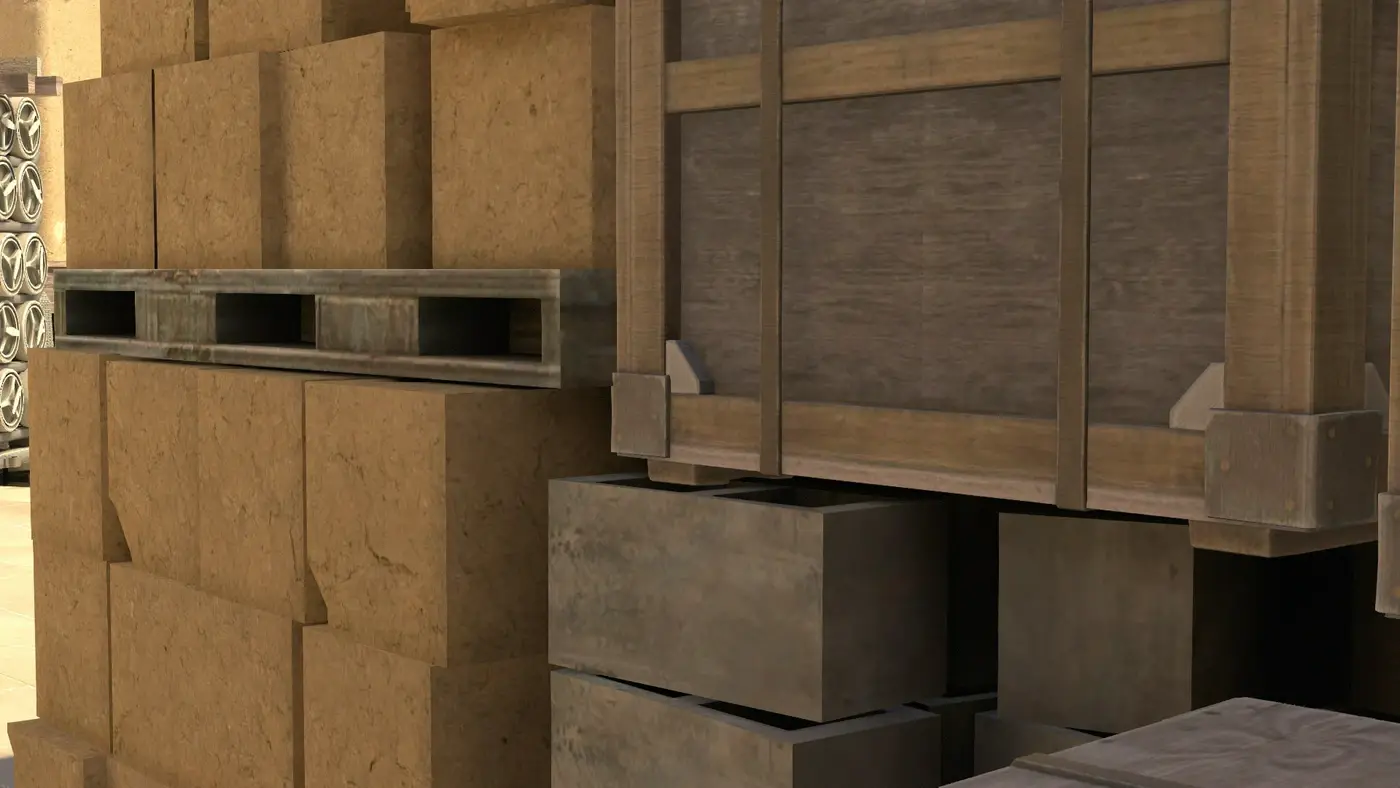
Zoomed lineup image
Show a close-up of your exact aim point. Press X or run fov_cs_debug 30; cl_drawhud 0; r_drawviewmodel 0 in the console.
Step 4: Final checklist before submitting
Check these before you hit submit:
- Map and team are set correctly
- Grenade type is selected
- Movement and technique are filled in
- Instructions cover position, aim, stance, and throw
- Video is 1080p, 16:9, with the HUD hidden
- Crosshair matches the required code
- All three screenshots are uploaded
The CS2Tricks team reviews every submission by hand. The closer your lineup matches the quality of what's already on the site, the faster it gets approved.
Good luck, and happy fragging.