
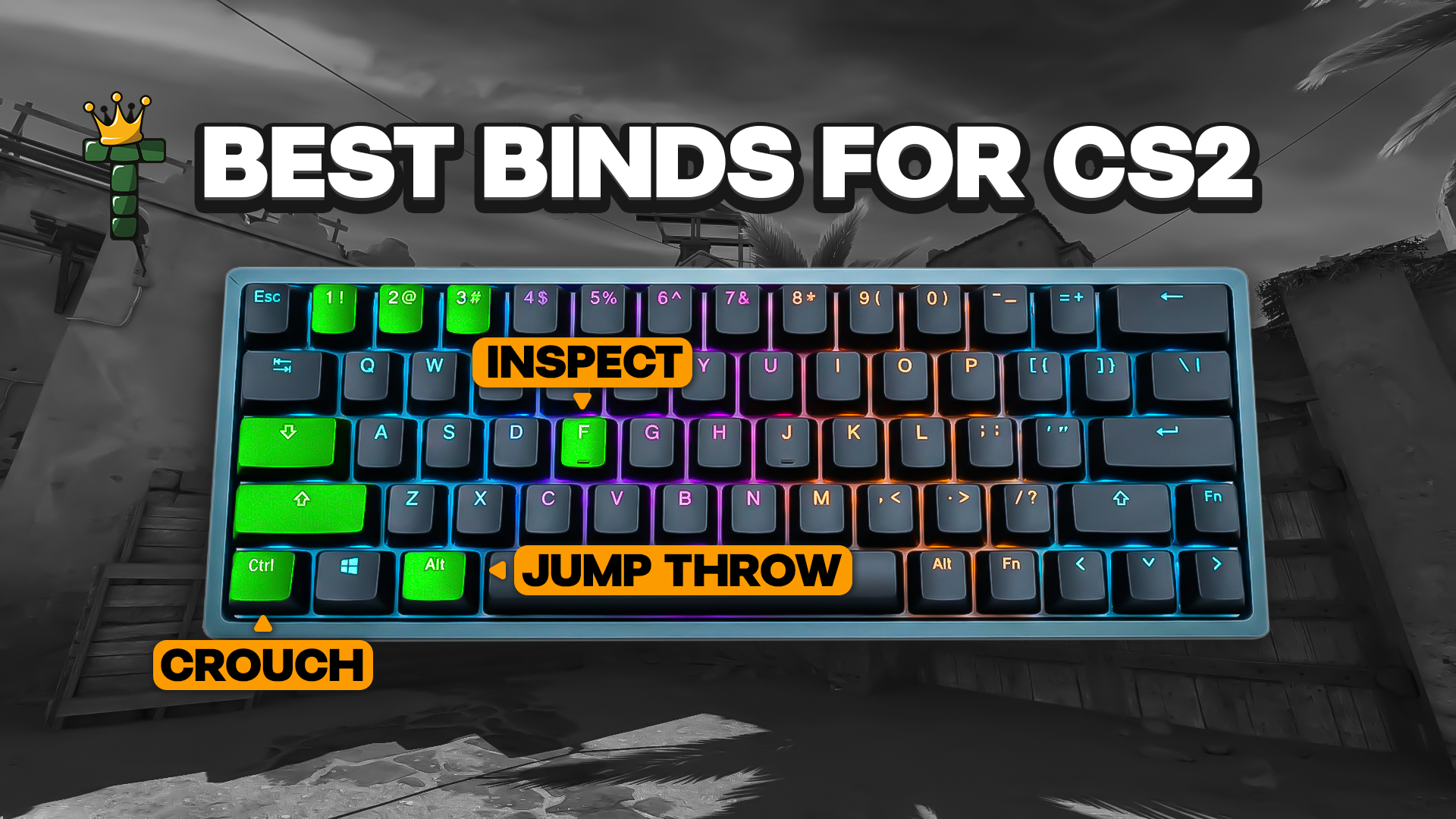
Best Binds For CS2
Back in August 2024, Valve made the game ignore any bind that stacks more than one movement or attack action. Jump throw scripts and null binds went with it, and players suspected of automating inputs can get kicked from official servers. The rule is simple: one key, one action.
Anything marked practice only needs a local server with cheats on.
Step 1: Give every grenade its own key
Cycling through utility with a single key is slow, and it's how you end up holding a decoy in the middle of a retake. CS2 has fixed slot numbers for each grenade: slot6 is the HE, slot7 the flashbang, slot8 the smoke, slot9 the decoy, and slot10 the molotov or incendiary.
Here's a layout that works for most people, with the molly on a side mouse button:
bind "z" "slot6"        // HE grenade
bind "x" "slot7"        // Flashbang
bind "c" "slot8"        // Smoke
bind "v" "slot9"        // Decoy
bind "mouse4" "slot10"  // Molotov / Incendiary
The old use weapon_flashbang commands are dead in CS2, so don't copy them from older guides. These binds only pull the grenade out. You still prime, aim and throw it yourself, which is why they're allowed.
Step 2: Mousewheel jump and a better weapon swap
Scrolling to jump gives you one clean input per notch, so bunny hop timing and jump throws are easier to control than with Space. Bind the wheel and keep Space as well, so normal jumping still works:
bind "mwheeldown" "+jump"
bind "space" "+jump"
For swapping weapons, skip the old quickswitch aliases. They chained a bunch of commands together and broke a lot. One command does the job: bind "q" "lastinv" jumps straight back to whatever you were holding before.
Step 3: Buy binds
If you buy the same kit most rounds, this saves real time. These are plain purchase commands, so they're fine:
bind "f3" "buy vesthelm"        // Armor and helmet
bind "f4" "buy defuser"         // Defuse kit (CT only)
bind "f5" "buy smokegrenade"
bind "f6" "buy flashbang"
bind "f7" "buy ak47; buy m4a1"  // Your team's rifle
Money, buy time and inventory limits still apply, so a bind can't buy what you can't afford. The M4A4 and M4A1-S share one loadout slot, so use buy m4a1 if you run the M4A4, or buy m4a1_silencer if you run the M4A1-S. And check the key isn't already taken before you overwrite it.
Step 4: Voice chat controls
Sometimes you just need the lobby to be quiet for one round.
bind "j" "voice_modenable_toggle"     // Master on/off switch for voice
bind "k" "toggle snd_voipvolume 0 1"  // Other players' volume: 0 is silent, 1 is full
bind "l" "voice_toggle_open_mic"      // Open mic vs push-to-talk
The snd_voipvolume toggle is my pick for muting a noisy lobby mid-clutch. Be careful with the open mic toggle.
If you see voice_scale in an older guide, ignore it. That's from CS:GO. Guides also disagree a little on exactly what voice_modenable covers, so press it once in a match and see what changes for you.
Step 5: Crosshair follow recoil
bind "h" "toggle cl_crosshair_recoil 0 1" flips "follow recoil" on and off with one key. You get no message when you toggle it, so watch your crosshair to see which state you're in.
Step 6: Practice only binds
These need a local server with cheats enabled. They won't work in matchmaking.
sv_cheats 1                               // Unlocks the cheat commands everything else needs
bind "p" "noclip"                         // Fly around to check lineups from odd angles
bind "o" "sv_rethrow_last_grenade"        // Rethrow your last grenade to fine-tune a lineup
sv_grenade_trajectory_prac_pipreview 1    // Preview where the grenade goes
cl_showpos 1 shows your position and speed, and it also needs cheats on.
Binds you should leave behind
If you're coming back to CS2 after a break, a few old favorites no longer work. Jump throw scripts like bind "alt" "+jump; -attack" are gone, and so are run jump throw scripts that add +forward. Null binds that cancel the opposite strafe direction are out too. Keyboard automation like Snap Tap or SOCD modes falls under the same rule, so turn it off before you queue.
Valve's view is that jump throws are reliable enough without a script, so the game wants you to do them by hand. It isn't hard: prime the grenade, jump, release quickly. You'll hear a grunt when you get the timing right, and so will players nearby.
Third-party platforms and tournaments have their own rules on top of Valve's. Buy binds are generally fine. Macros that give you an edge, like bunny hop scripts, are not. Read the rules for wherever you play.
Step 7: Save everything in autoexec.cfg
Typing binds into the console every session gets old fast. Put them in one file instead.
Create a plain-text file named autoexec.cfg (make sure Windows didn't add .txt to the end) and save it in Steam\steamapps\common\Counter-Strike Global Offensive\game\csgo\cfg\. Add your binds one per line, then type exec autoexec in the console and watch for errors. Run key_listboundkeys to check it worked.
A starter file:
bind "z" "slot6"
bind "x" "slot7"
bind "c" "slot8"
bind "mouse4" "slot10"
bind "mwheeldown" "+jump"
bind "space" "+jump"
bind "q" "lastinv"
bind "j" "voice_modenable_toggle"
If a bind isn't sticking, another config file, a launch option or the settings menu might be overwriting it. Use unbind "key" to clear one key. Skip unbindall unless you really want a blank slate, since the settings menu has a reset button for defaults.
Which binds to start with
You don't need thirty binds. Grenade keys, a scroll-wheel jump, lastinv, a couple of buy shortcuts and a voice mute cover most of what people want. Pick two or three, use them for a week, then add more if you miss something.
CS2 changes often, so test every command in a practice match before you rely on it.